JPG to SVG converter
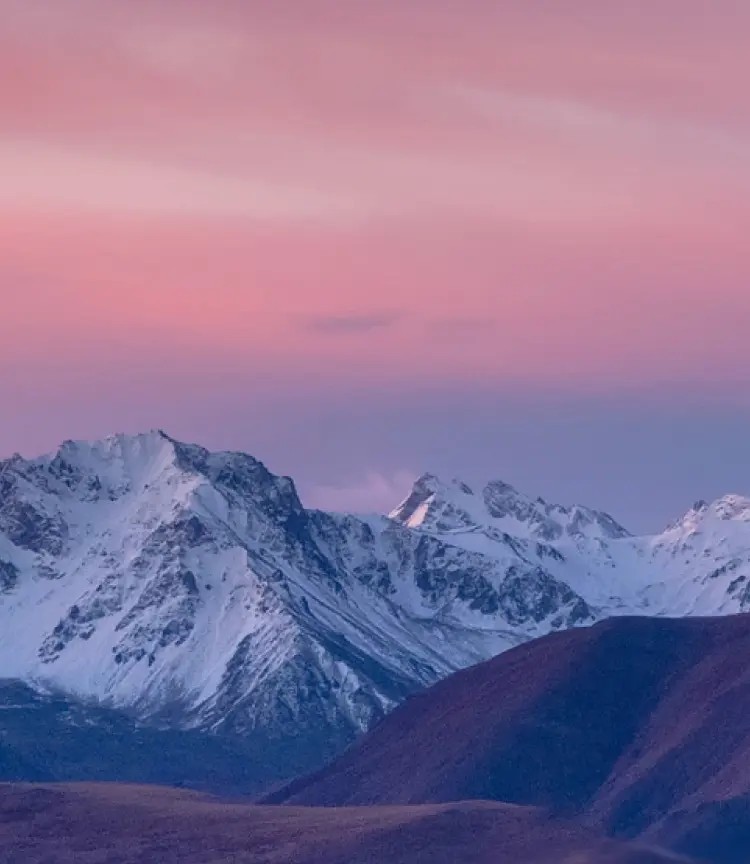
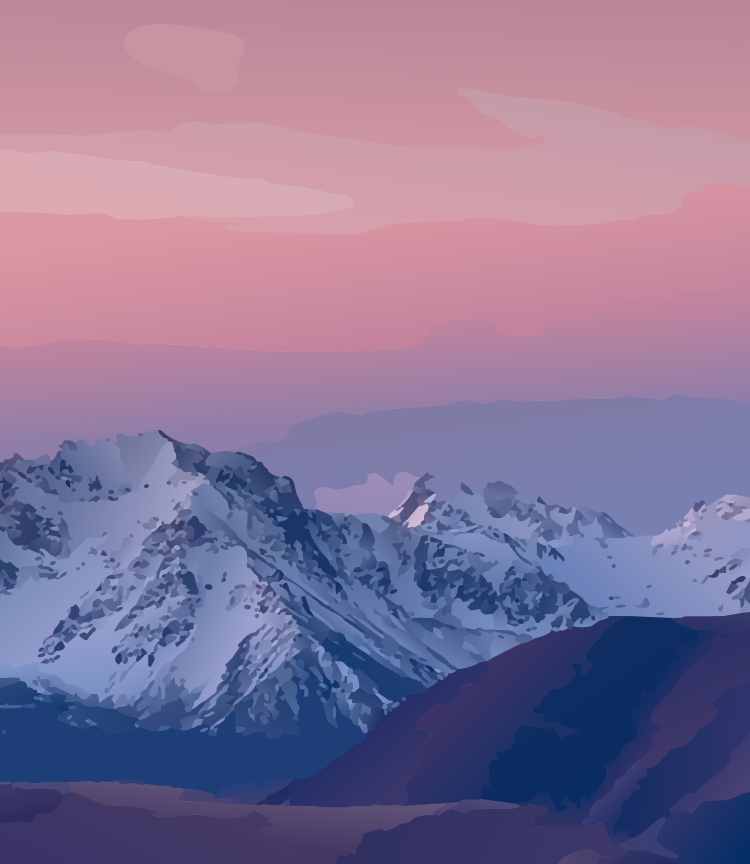
JPEGs are full of compression noise that most tracers turn into thousands of specks. Pix2Path reads past the noise, so photos, scans and JPEG logos come out as clean shapes with smooth gradient shading.
Free, no sign-up. PNG, JPG, WebP, BMP, GIF and TIFF up to 40 MB. Images are never stored.
How it works
- Add your JPGJPG, JPEG and other formats up to 40 MB. Phone photos are turned the right way up automatically.
- Choose the level of detailLow gives a bold, poster-like look with the smallest file. Medium suits most photos. High follows faces and fine texture more closely.
- Download the SVGOr tidy it up in the editor first.
Why Pix2Path
Noise-aware
JPEG block artefacts and grain are not traced as shapes, so the SVG stays clean.
Gradients, not banding
Soft shading becomes real SVG gradients, so skies and skin stay smooth.
JPEG logos too
Flat artwork is detected even in a compressed JPEG, and its colours are recovered as clean, exact fills.
You choose the look
Three detail levels, plus an option for flat colours only if you want to recolour by hand.
Questions
Can I convert a photo to SVG?
Yes. The SVG is a vector interpretation of the photo, made of shapes and gradients, so it looks painted rather than pixel-identical. Use High detail for faces and fine texture.
Why is my SVG larger than the JPG?
A detailed photo needs many shapes. Choose Low detail, or turn off gradient fills, for a smaller file.
Can I vectorize a logo saved as JPG?
Yes. Pix2Path recognises flat artwork and recovers its exact colours. Use the largest, least compressed copy you have.
What about HEIC photos from an iPhone?
Export or share the photo as JPG first, then convert it. PNG, JPEG, WebP, BMP, GIF and TIFF are supported.