Diagrams, charts and schematics to SVG
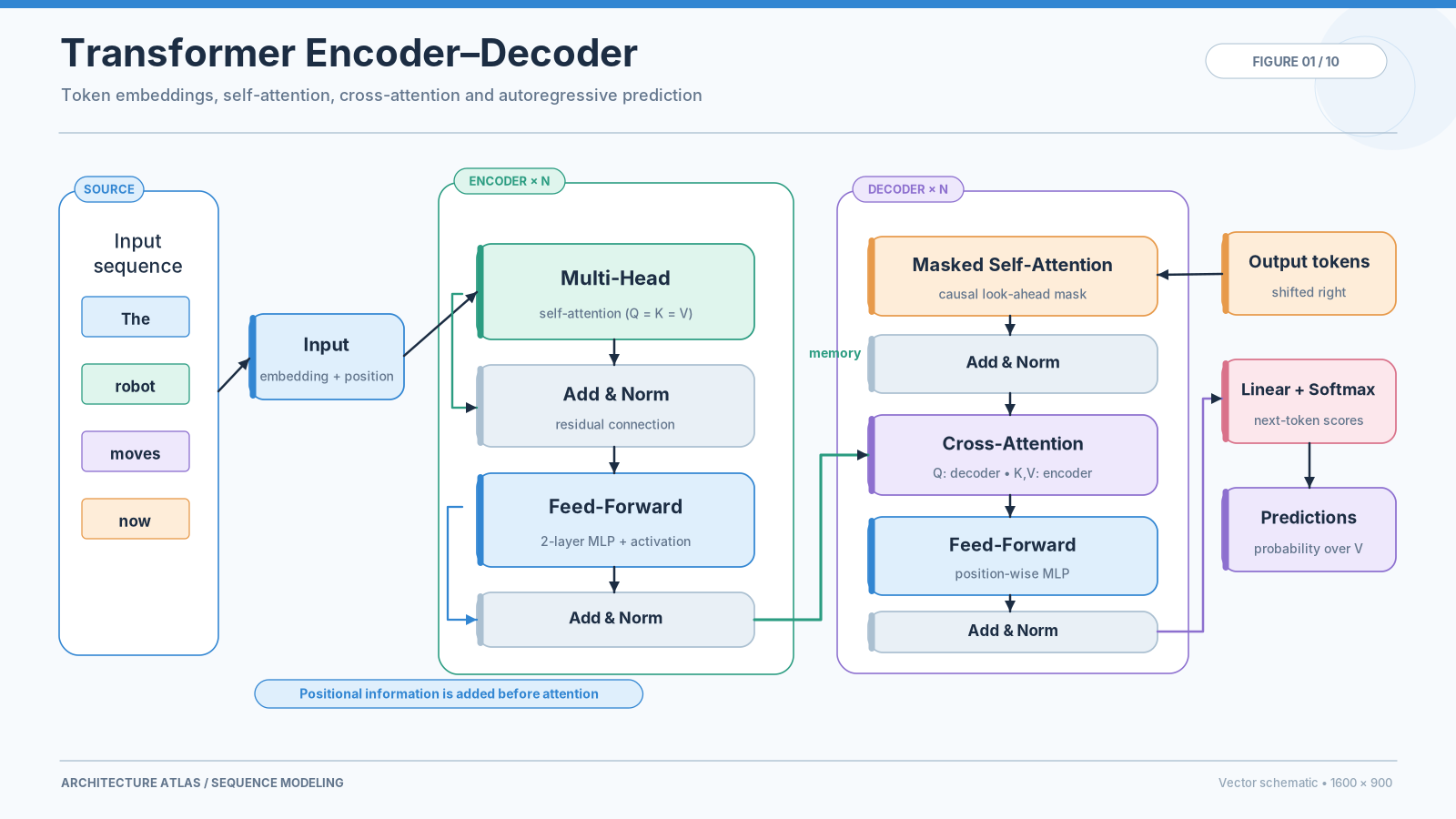
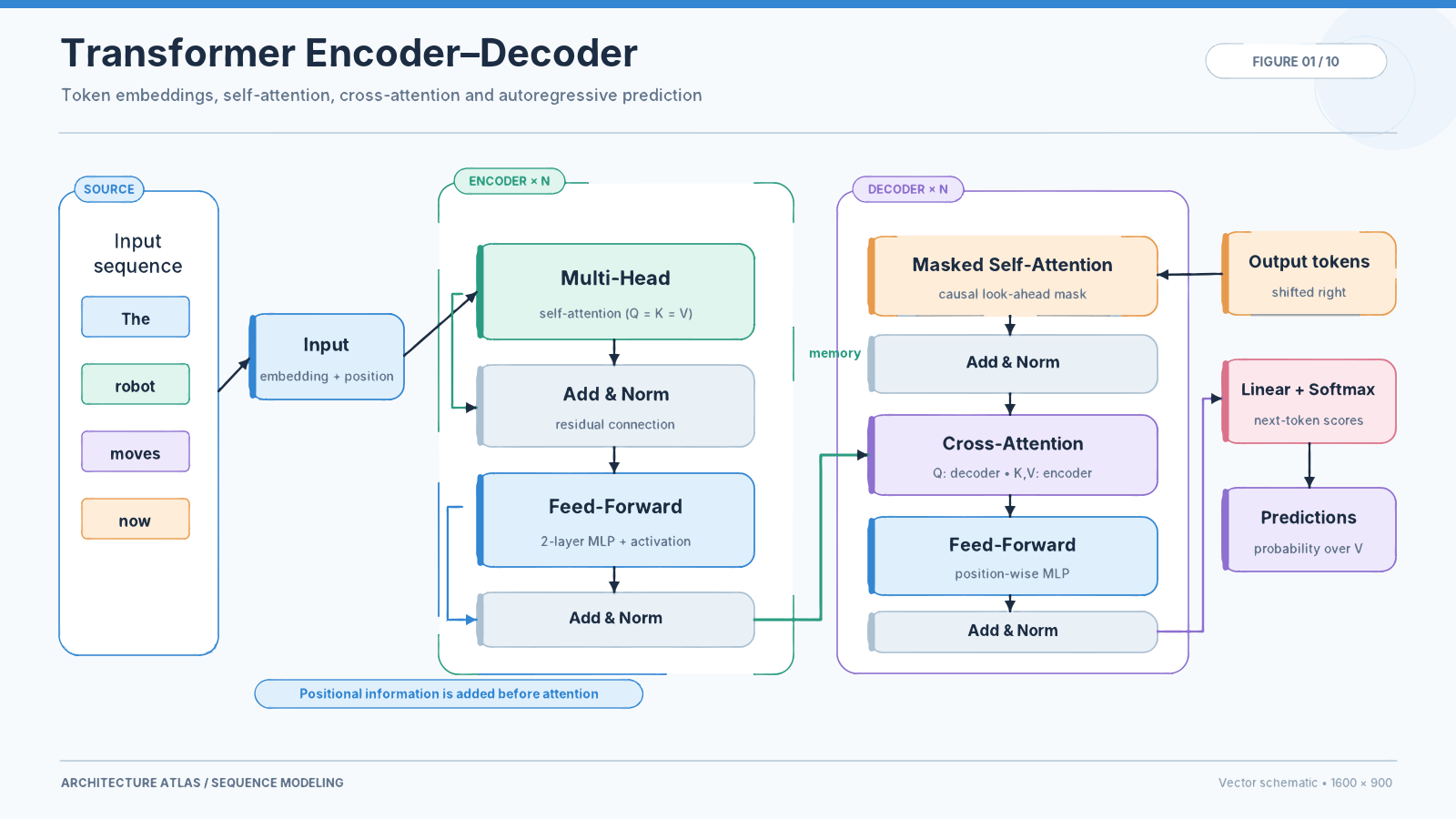
Figures for papers, posters and slides often survive only as screenshots. Pix2Path has a mode built for them: thin lines stay unbroken, small lettering stays legible, and every fill keeps its exact colour.
Free, no sign-up. PNG, JPG, WebP, BMP, GIF and TIFF up to 40 MB. Images are never stored.
How it works
- Add the figureA PNG export, a screenshot of a slide or a scan of a printed chart.
- ConvertDiagrams are recognised automatically. Choose Text & graphics yourself if the figure contains photos.
- Use it anywhereDownload the SVG for slides, posters, papers and websites, or edit labels and colours first.
Why Pix2Path
Legible lettering
Anti-aliased text is separated cleanly from its background, including light text on tinted boxes and dark slides.
Exact colours
Fills, borders and arrows keep the colours of the original, so figures stay consistent with the rest of your work.
Thin lines kept
One-pixel borders, connectors and grid lines are kept, not swallowed by neighbouring colours.
Private by design
Unpublished figures are converted in memory and never stored.
Questions
Is the text in the SVG editable?
No. Text becomes vector shapes that look exactly like the original and stay sharp when printed. You can add new text in the editor.
Can I use the SVG in PowerPoint, Word or LaTeX?
PowerPoint, Word, Keynote, Illustrator, Inkscape and Figma open SVG directly. For LaTeX, convert the SVG to PDF with Inkscape or use the svg package.
Does it work for dark slides?
Yes. Light lettering on dark or coloured backgrounds is handled the same way as dark text on white.
Can I convert many figures at once?
Use the API with a free account (500 conversions a month), for example with the Python client, to convert a whole folder.