Free image to SVG converterPixels in.Paths out.
Turn photos, logos, artwork, scans and diagrams into clean SVG files. Scale them to any size, edit them in any vector tool, and print them sharp.
No sign-up needed. PNG, JPG, WebP, BMP, GIF and TIFF up to 40 MB. Your images are never stored.
Made for work that has to scale
One file that looks right on a phone screen, a billboard and a laser cutter.
-
Print and merch
T-shirts, stickers, mugs and signs print with crisp edges at any size.
-
Logos and brand files
Rebuild a logo from an old JPEG or a screenshot, with clean curves and exact colours. Logo to SVG
-
Cutting and engraving
Closed, gap-free shapes ready for vinyl cutters, laser engravers and CNC machines.
-
Documents and diagrams
Slides, charts, figures and schematics keep their exact colours and legible lettering. Diagram to SVG
-
Illustration and art
Paintings, posters and digital art keep their colours, with soft shading turned into smooth gradients.
-
Websites and apps
Lightweight graphics that stay sharp on every screen, from phones to 5K displays.
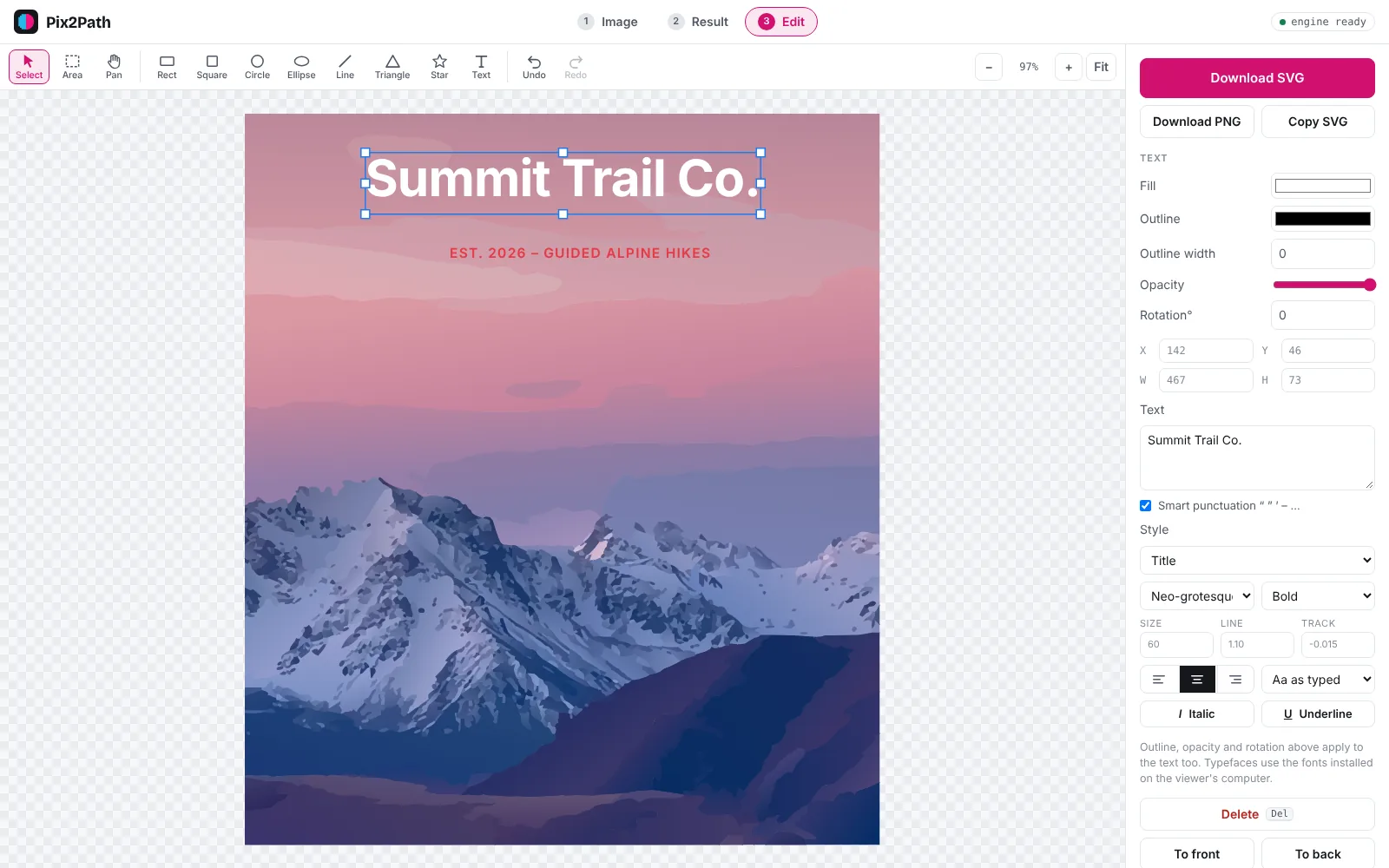
Fix it before you download
- Crop, rotate and flip before converting.
- Remove a background or any object in a click.
- Recolour every shape of one colour at once.
- Add shapes and text with ready-made type styles.
- Download as SVG or PNG.
Vectorize from your own code
The same engine as the website, behind one HTTP endpoint. Send an image, get SVG back.
- One request per image, from any language, or with our Python client.
- SVG or JSON responses, with size and shape counts.
- 500 conversions a month included with a free account.
- Nothing is kept. Images and SVGs are never stored.
# convert a PNG to SVG
curl https://pix2path.app/api/v1/convert \
  -H "Authorization: Bearer $P2P_KEY" \
  -F image=@logo.png \
  -F detail=high \
  -F format=svg \
  -o logo.svg
Questions
Which files can I convert?
PNG, JPEG, WebP, BMP, GIF and TIFF, up to 40 MB. Transparent PNGs keep their transparency in the SVG.
What happens to my images?
Each image is converted in memory and discarded as soon as the SVG is sent back. We never store your images or SVGs, with or without an account. Once you download the result, the only copy is yours.
Do I need an account?
No. The converter and editor work without one. A free account gives you API keys, a higher conversion limit and a monthly usage view. Pix2Path is free during early access, and everyone who signs up now becomes a founding member with a discount when paid plans start.
What gives the best results?
Logos, illustrations, artwork, documents and diagrams come out cleanest. Photos work well too: choose High detail for faces and fine texture, or Low for a bold, poster-like look.
Does it work on text, screenshots and diagrams?
Yes. Documents, slides, charts and schematics are recognised automatically, so lettering stays legible and colours stay exact. Text becomes vector shapes; it isn't turned into editable characters.
What do the detail levels do?
Low, Medium and High set how many shapes the SVG uses. More detail follows the image more closely and makes a larger file. Medium suits most images.